FAMILY TIME · EVERYDAY LIFE, TOGETHER

Less to keep in mind.
More time together.

School, work, chores and family plans: There is a lot to keep track of every day. Family Time brings events, tasks and meals into one shared place, so everyone can see what is coming up and how to help.

Not publicly available yet. App for iPhone & iPad.

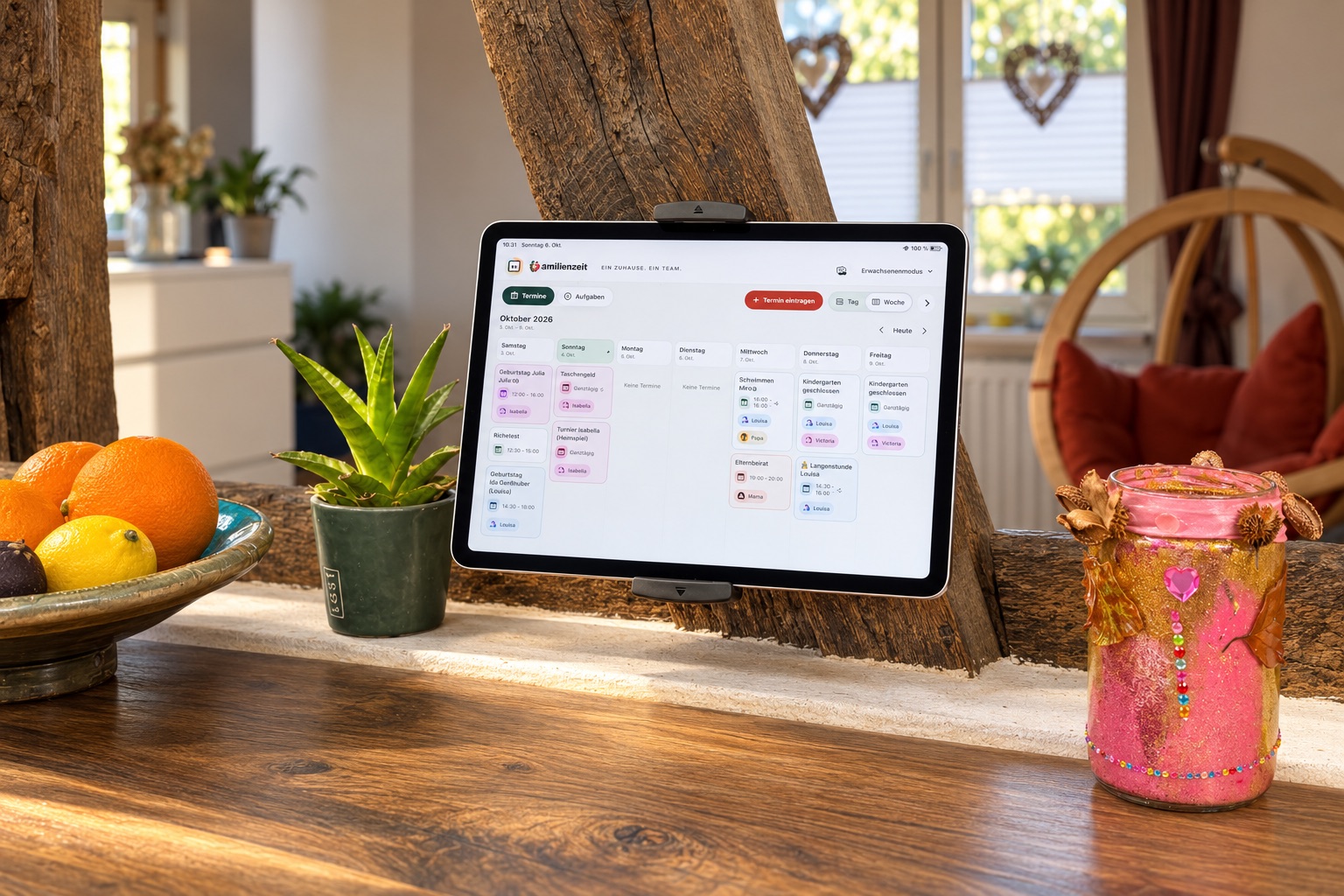
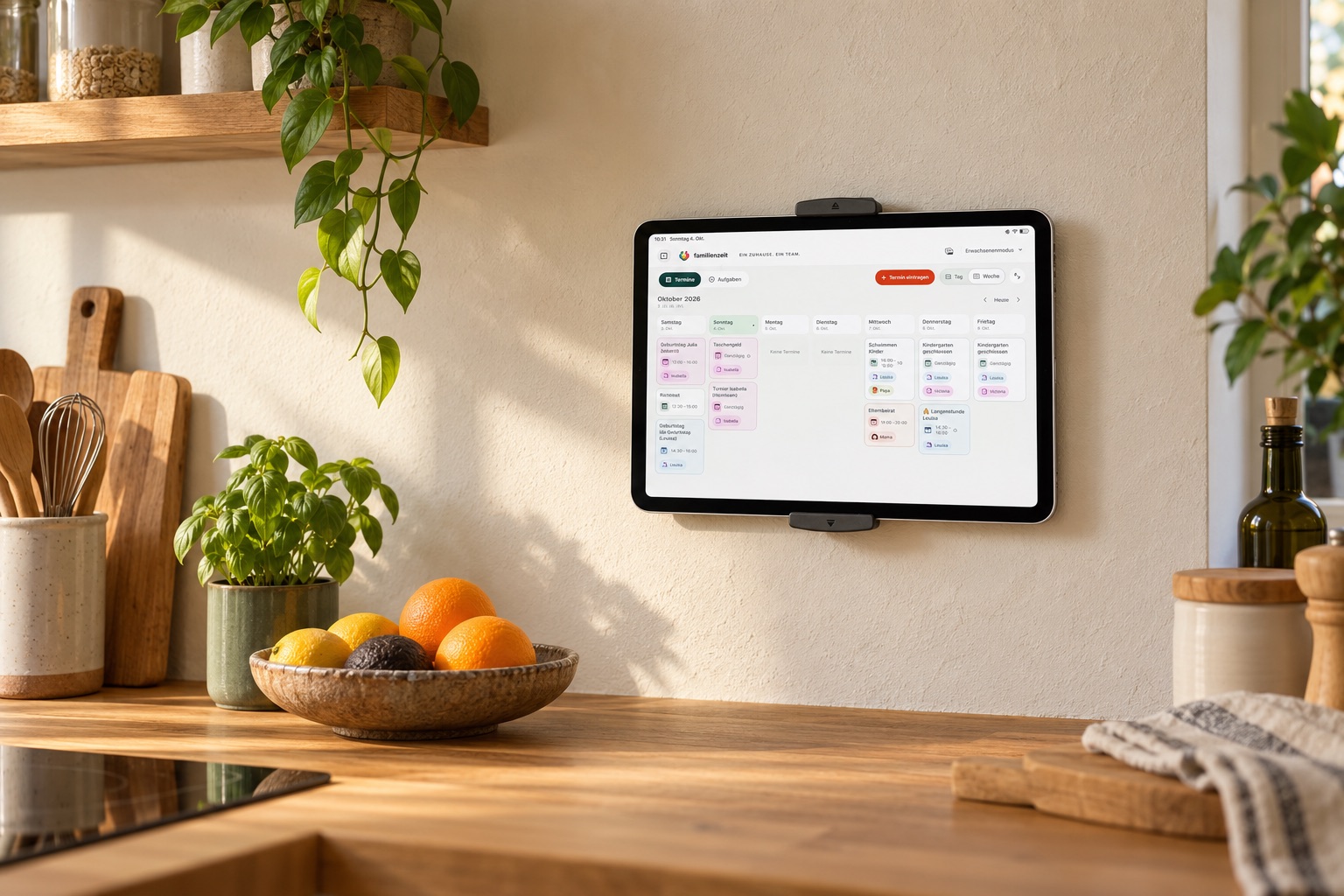
Family Time calendar on a kitchen wall-mounted iPad; German app view
Your plan, right where family life happens. · Illustrative setup
  • See the week togetherEvents and timetables in one place.
  • Make helping visibleEach child has their own tasks.
  • Plan meals aheadA plan for the week ahead.

For the questions
that come up every day.

Explore how Family Time helps with three familiar family questions. These views show the app with a sample family.

A plan everyone can see.

Swimming on Tuesday, a late shift on Wednesday, a family outing on Sunday: See your events together in the day or week view. Names and colors show who is involved.

Personal timetables and work schedules sit alongside the shared calendar, keeping school and work in view too.

Set up calendars →
Family Time weekly calendar with events for a sample familyEnlarge view ↗
Original app view · Sample entries

Small tasks. Shared successes.

Set the table, water the plants, tidy a room: Each child sees their own tasks and checks them off. You decide how to share the jobs and see together what is already done.

If you choose, children can collect reward coins for experiences you decide on together. A movie night or baking together becomes something to look forward to.

Explore tasks and reward cards →
Children’s tasks in Family Time, with separate task rows for Emma, Leo and MilaEnlarge view ↗
Original app view · Sample entries

Plan ahead. Keep everyone in the loop.

From a quick lunch to pizza night, put your meals into a weekly plan. See it on the iPad at home and check it on your iPhone while out.

Reuse favorite meals, last week’s plan or your own weekly templates. Take the week with you as a PDF or printed plan when needed. Timetables and reward cards can be printed too.

Set up the meal plan →
A sample family’s Monday-to-Sunday meal plan on iPadEnlarge view ↗
Original app view · Sample entries

A little more help
with everyday life.

Family Time helps beyond the next event, giving recurring tasks and important records a place too.

Timetables in the same place

Keep lessons and work schedules alongside family events. Import paper schedules from a photo, check the results and save them.

See how it works →

A useful place to start

Templates for chores, home maintenance and 30 children’s tasks give you ideas. Choose what fits and adapt it to your family.

Explore templates →

When was the last oil change?

Find completed tasks and important events in history, such as a garage visit and its mileage. You can also change categories directly in history later.

Save events in history →

Give your plan
a shared place.

On an iPad in the kitchen or living area, the family can see the plan as they walk past. Optional iCloud sharing keeps it with you on your iPhones too.

Between plans, the iPad can show your favorite photos. Dimming and quiet hours adapt the display to your daily routine.

Wall mounting is optional. iPad and mount are sold separately.

Family Time on an iPad in a living area; German app view
A shared place to check your plan. · Illustrative setup

Start with what
helps you today.

  1. Add your family

    Names and colors make your plan personal.

  2. Plan a week together

    Start with your events. Add tasks or meals when you need them.

  3. Make the plan part of your day

    Check the plan, tick things off and plan ahead together. Find a routine that works for you.

Go to first steps →

Good to know
before you begin.

The dedicated help area has guides, app images and answers organized by topic.

Open Family Time help →
Do we need a wall-mounted iPad?

No. Family Time is an app for iPhone and iPad. An iPad in a shared spot keeps the plan visible at home. A wall mount is optional; iPad and mount are sold separately.

Can we use the plan on several devices?

Yes. Optional iCloud sharing lets you use a shared family plan on your devices and invite family members with their own iCloud accounts.

How can children take part?

In child mode on iPad, children see and check off their own tasks. Adults manage the planning. iPhone always uses adult mode. Reward coins and rewards you choose are optional.

Does Family Time work without the internet?

You can use the local family plan without an internet connection. iCloud sync, invitations and external help pages need a connection.

When can we download Family Time?

Family Time is not publicly available yet. If you are interested, email support@masomas.app to ask about planned availability.

Could Family Time
help your family?

Family Time is not publicly available yet. Would you like to use the app, or do you have a question? Email us to ask about planned availability.

Ask about availability →support@masomas.app