Puzzli
Kids
Favorite pictures. Little adventures.
The family dog, a day out or a colorful animal scene: Puzzli Kids turns pictures children love into their own puzzles. You choose the difficulty together.
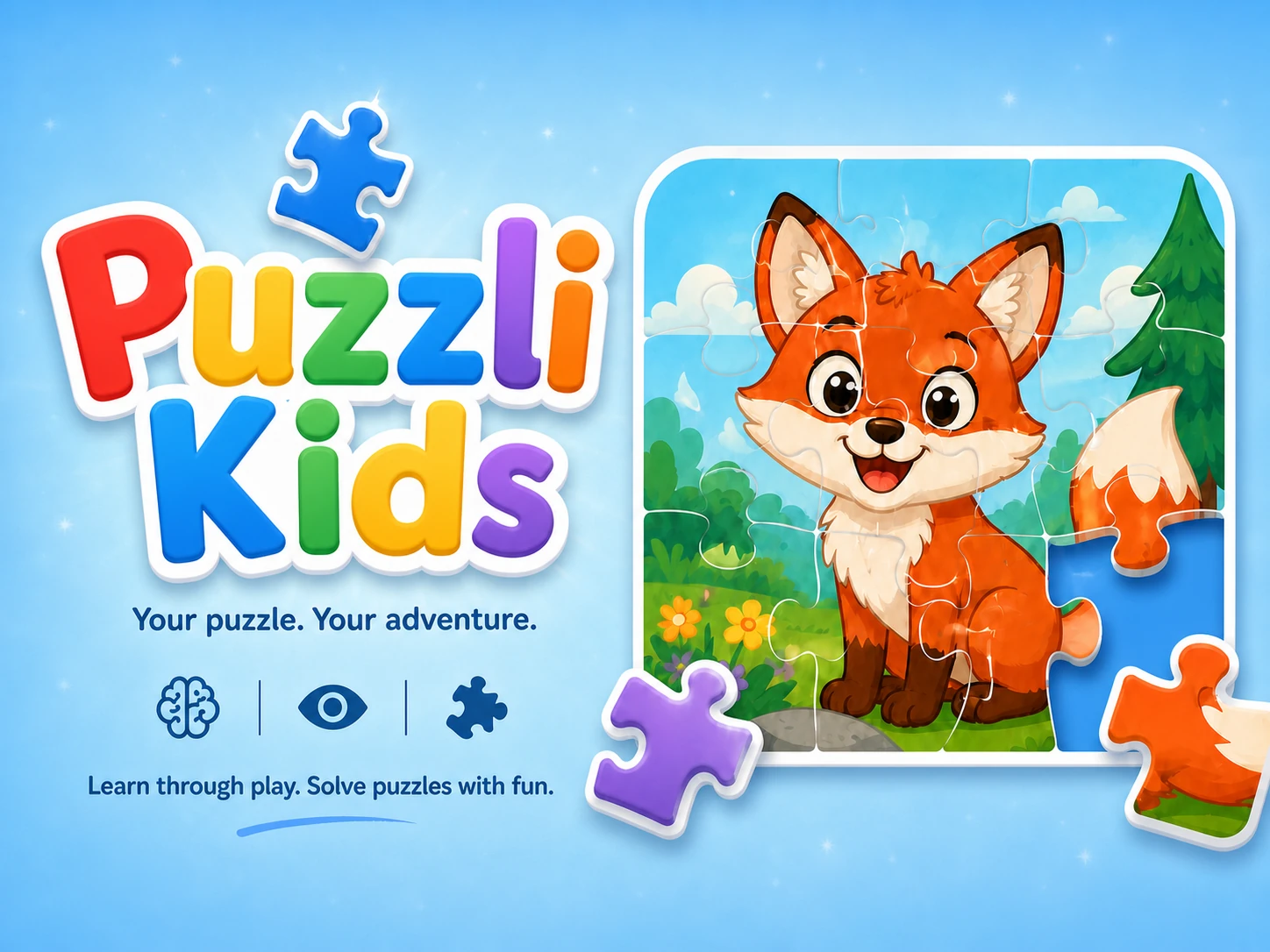
“Look, that’s our picture!”
A favorite photo becomes a new little challenge. Solve it together, talk about the picture or try one of the included colorful scenes.
Choose a favorite
Pick a photo from your library, take a new one or choose a ready-made scene.
Find the right size
Start with a few pieces and add more as your child gains confidence.
Put it together
Piece by piece, the picture comes back. The optional picture guide helps with matching.
Little steps.
New challenges.
From the first four-piece puzzle to 64 pieces: enable the sizes that suit your child’s experience. The selection can grow along with their confidence.
- Keep it simple. Choose which of the seven piece counts your child sees.
- Make it your own. Hide photo selection and the camera when you prefer to use included scenes.
- Set it up with care. A short arithmetic check protects the Parents’ Area.
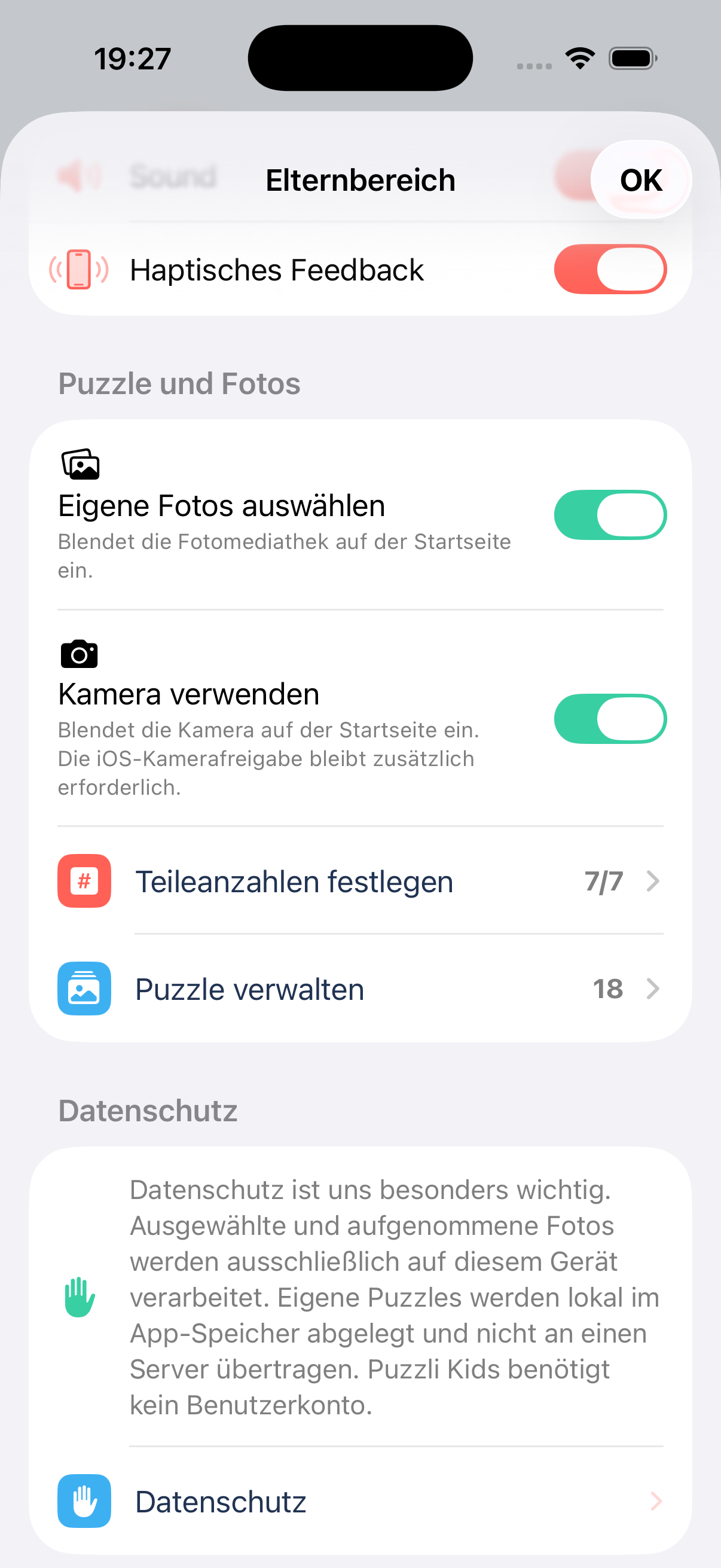
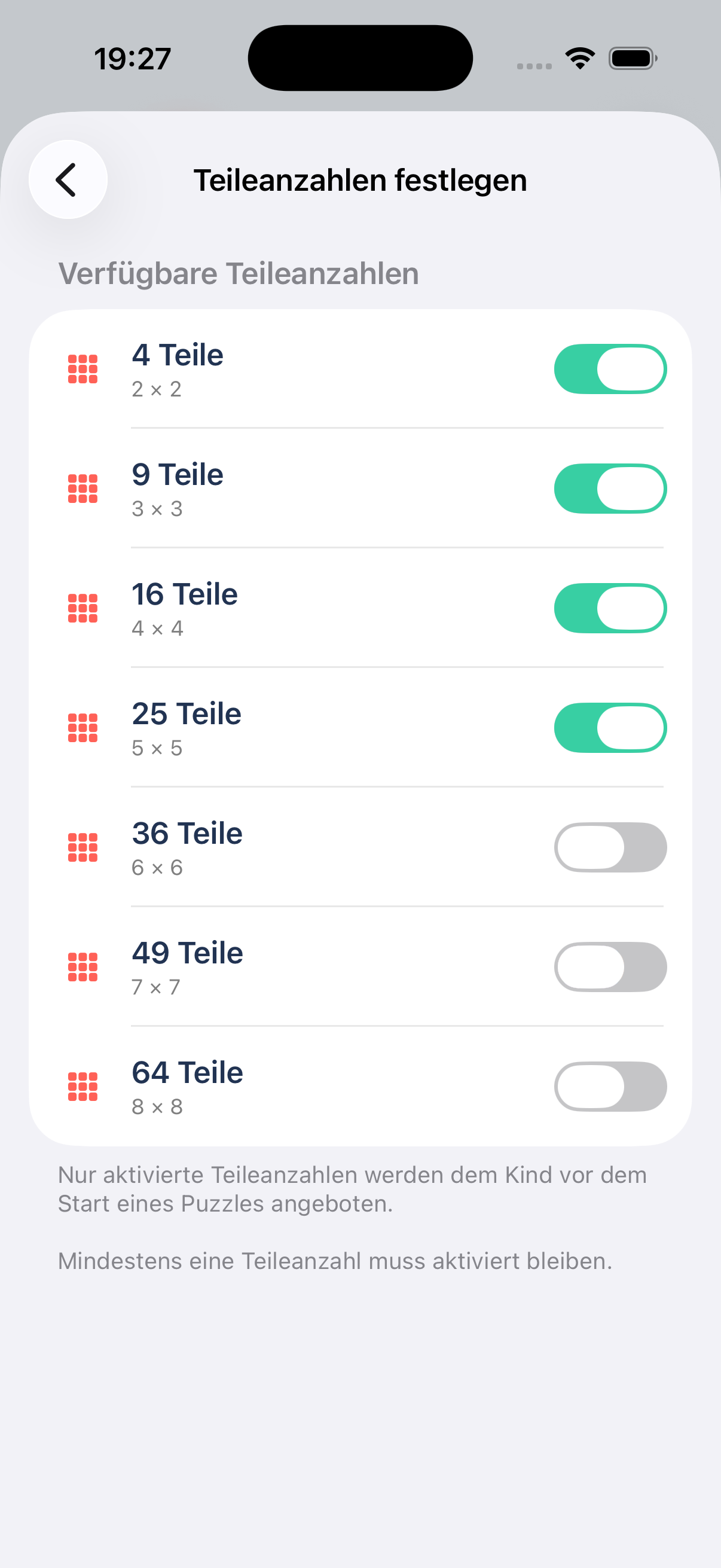
Original app screens in German. The app also supports English.
No ads. Photos stay with you.
Puzzli Kids works offline and needs no account. Personal pictures stay on the device and can be deleted in the Parents’ Area. The app uses no analytics or tracking services.
Learn about privacy
Questions from parents.
More detailed instructions and help are available in our support area.
Puzzli Kids helpWhich difficulty should we start with?
Four or nine pieces offer a simple starting point. Choose the sizes that suit your child’s experience and enable more when they are ready. The optional picture guide makes matching easier.
Can we use our own photos?
Yes. Choose a photo from your library or take a new picture. Parents can enable or hide both options in the Parents’ Area.
Does puzzling need an internet connection?
No. Included scenes, personal photos and puzzling work offline. External pages such as help and privacy need a connection.
Are there ads or an account to create?
No. Puzzli Kids contains no ads and needs no account. Personal photos are processed and stored only on the device.
A little puzzle.
A very personal adventure.
Choose a favorite picture and find the right challenge together.
Get Puzzli Kids on the App Store